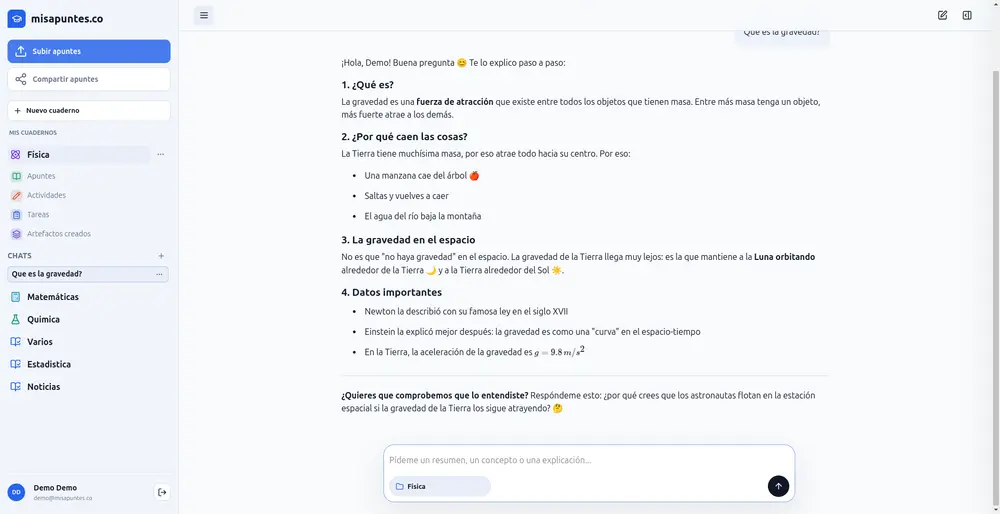
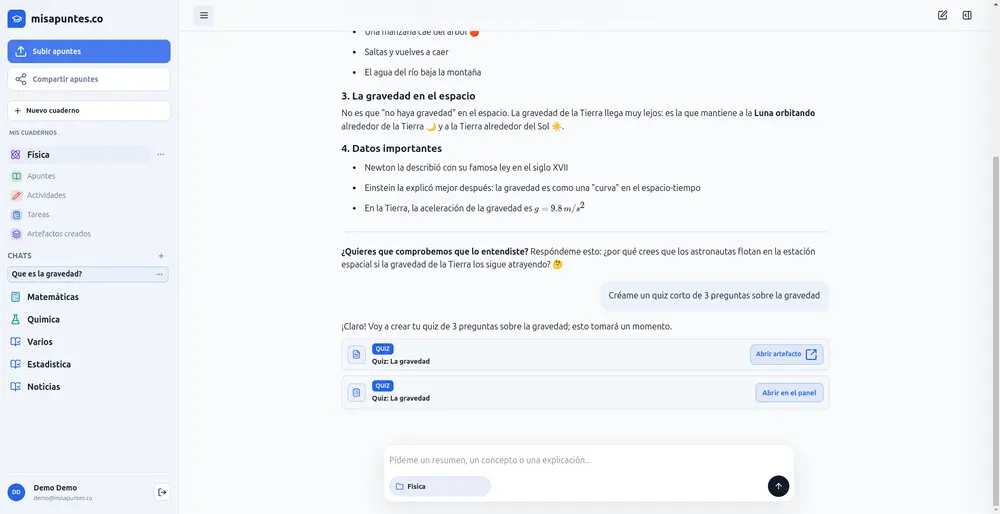
“An invertible matrix has a nonzero determinant. You can ask me ‘Explain the inverse’ or take the quiz.”
Quick quiz generated1 of 3
What is the det of the identity?
✓ 1Correct
0
One place, three ways to use it
Students and teachers use it in high school, university, and vocational training. It works the same way for all of them: your own material, turned into study tools by AI.
Quick quiz generated1 of 10
✓ Correct
Another option
Students
Exam on Monday and a lot of material to review?
Upload your course PDFs and photos and ask about anything you didn’t understand.
A quiz on the whole topic, without rereading the entire course
Step-by-step explanations, as many times as you need
Quizzes and flashcards on what you covered in class
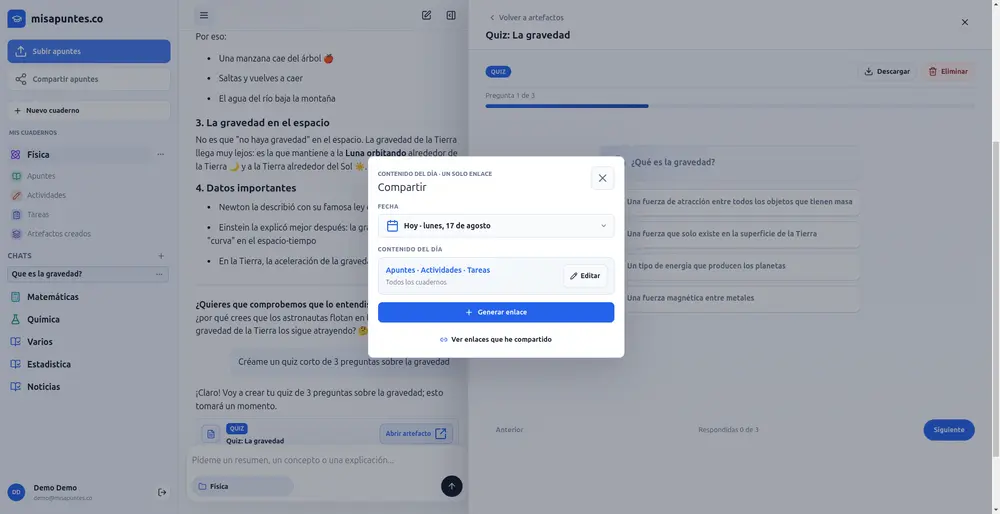
Share it, print it, and see what your class understood.
Send the link: each student saves it to their notebook and answers it. You see who answered, the percentage of correct answers, and the questions the group struggled with most, so you know what to review next class.
Who answered and who hasn’t yet
The questions the group missed most
Each student’s result
No devices in class?
Download the quiz as a print-ready PDF, with space for name, class, and score, plus a separate answer key.
Quiz: Eigenvalues
Linear algebra · 10 questions
Name
ClassScore/ 10
1.
A
B
C
D
2.
A
B
C
D
PDF for answering
Quiz: Eigenvalues
Linear algebra · 10 questions
Name
ClassScore/ 10
1.
A
B
C
D
2.
A
B
C
D
PDF with answers
Results · Unit 3 quiz
10 questions · Linear algebra
Link active
Saved it
24
Answered
18
6 pending
Correct
82%
group average
% correct
Most-missed questions
3What is det(A − λI) if λ is an eigenvalue?55%
7Algebraic vs. geometric multiplicity61%
Most-missed questions
People
ECEmma CarterAnswered
9/10
LBLiam BrooksAnswered
7/10
OROlivia ReedPending
—
Who answered
Illustration with sample data.
Questions
Frequently asked questions
Is it free?
Creating an account is free, and you can upload your first material in under a minute.
Are my files private?
They live in your account. They’re shared only with the people you choose, through a link you create.
Which languages is the app available in?
In 15 languages: Spanish, English, Portuguese, Italian, German, French, Dutch, Swedish, Indonesian, Polish, Turkish, Greek, Russian, Ukrainian, and Serbian. You choose it when you sign up and can change it in your profile.
What can I upload?
PDFs, photos of your notebook, and Markdown or CSV files. From PDFs, the text is used: if a scanned page or an image matters, upload it as a photo too. Save slide decks and Word documents as PDF and you’re all set.
Does it work for university?
Yes. Each subject works as a tutor with your material and your instructions, from school all the way to graduate studies.
Can I share quizzes with my students?
Yes. You share the quiz with a link; each student saves it to their notebook and answers it, and you see who answered, the percentage of correct answers, and the questions the group struggled with most.
Can I print quizzes?
Yes. Every quiz downloads as a PDF in two versions: one for answering, with space for name, class, and score, and one with the answers.
I’m a teacher. Is it for me?
Yes. Generate activities, exams, and class guides from your syllabus, then edit and share them.
Does it replace the teacher?
No. It supports studying and class preparation: you decide what is taught and how.
Start for free
Start today: your next class or your next exam.
Create your free account in under a minute and upload your first material.